Adding a classless stylesheet to your theme
There's a genre of stylesheets called "classless" that produce attractive results with plain HTML, which is exactly what you need for PocoCMS, which cannot add or class designations to its HTML output.
One such stylesheet is GD.css, created by The Developer's Society.
- Add the following to your
.poco/themes/t1/README.mdfile:
Filename: .poco/themes/t1/README.md
---
stylesheets:
- "https://hawkz.github.io/gdcss/gd.css"
---
Rebuild your site and hit your browser's refresh button:
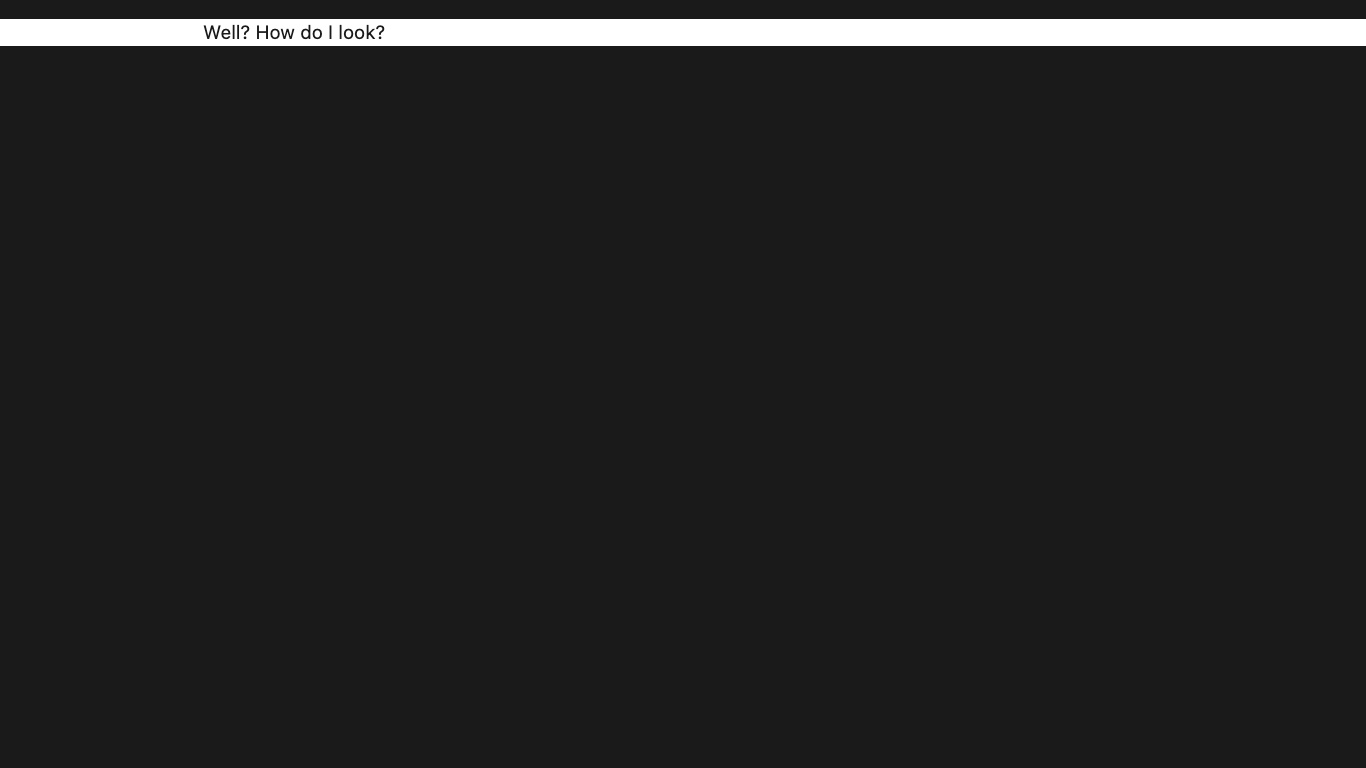
Looks promising. Let's use a demo Markdown document created for the purposes
of testing themes. Add the following to your root directory's index.md file:
---
theme: t1
article: ".poco/demo/mdemo.md"
---
The article: .poco/demo/mdemo.md line means "take the contents
of the file given after article: and replace the existing
article with it." It works for any Markdown document, but this
one is useful for demonstrating themes.
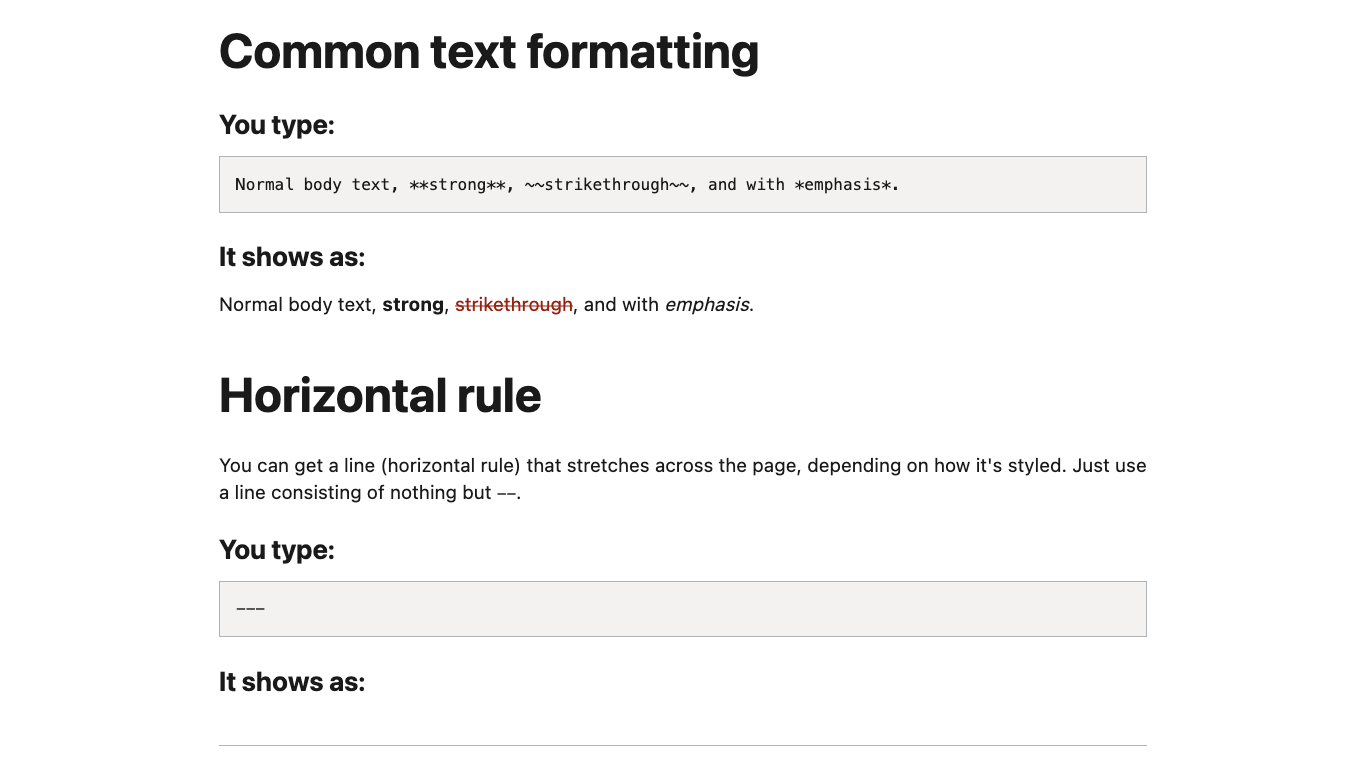
- Scroll down and see how full-featured it is:
Use the styles rule to update the stylesheet
Adding stylesheets isn't the only thing you can do in
a theme's README.md. Another thing you can do is
add overriding (or supplementary) style rules.
- Add the following to your
.poco/themes/t1/README.mdfile:
Filename: .poco/themes/t1/README.md
---
stylesheets:
- "https://hawkz.github.io/gdcss/gd.css"

styles:
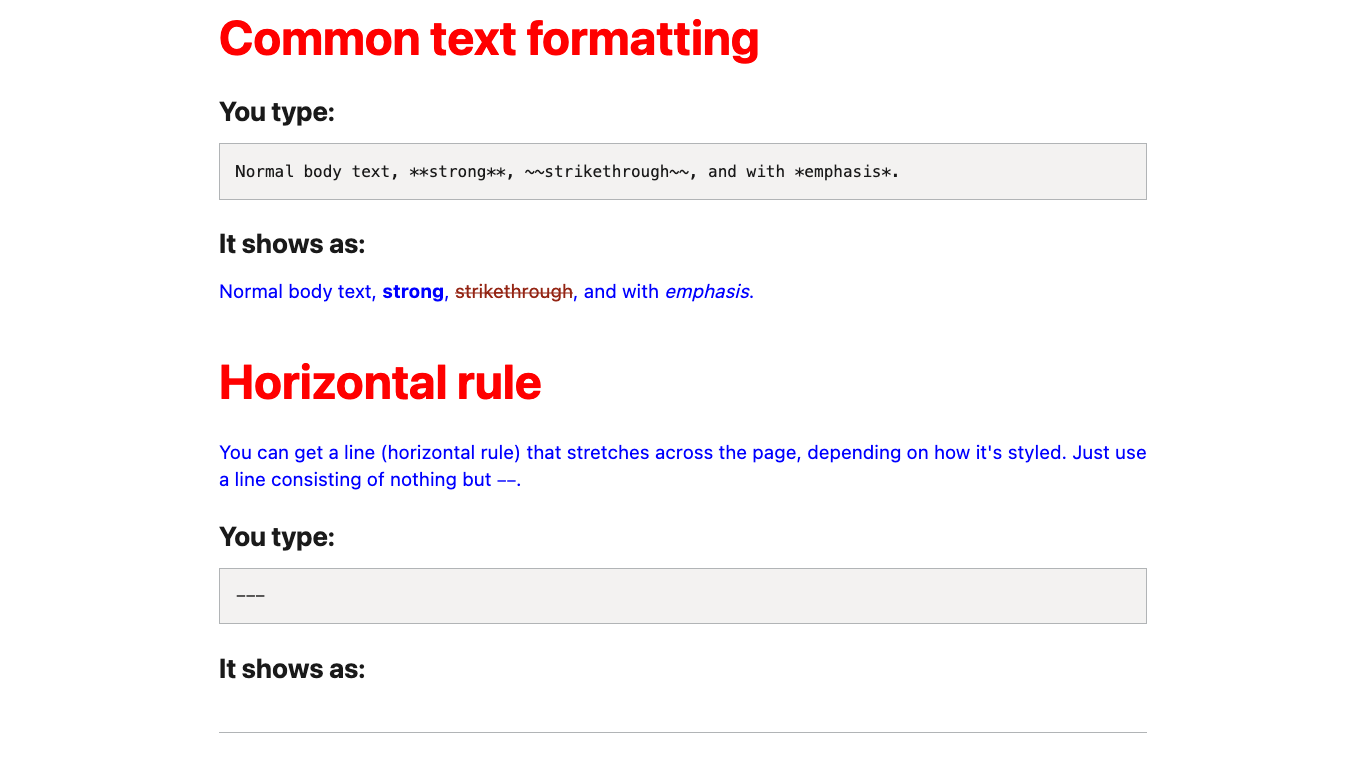
- "h2{color:red;}"
- "p{color:blue;}"
---
- Build your project and scroll through again. You'll see the changes you made:
Lets' try another classless stylesheet, PaperCSS by Rhyne.
- Change your
.poco/themes/t1/README.mdfile to look like this:
Filename: .poco/themes/t1/README.md
---
stylesheets:
- "https://hawkz.github.io/gdcss/gd.css"
---
- Rebuild your project and gaze upon one of the more original stylesheets of our time:
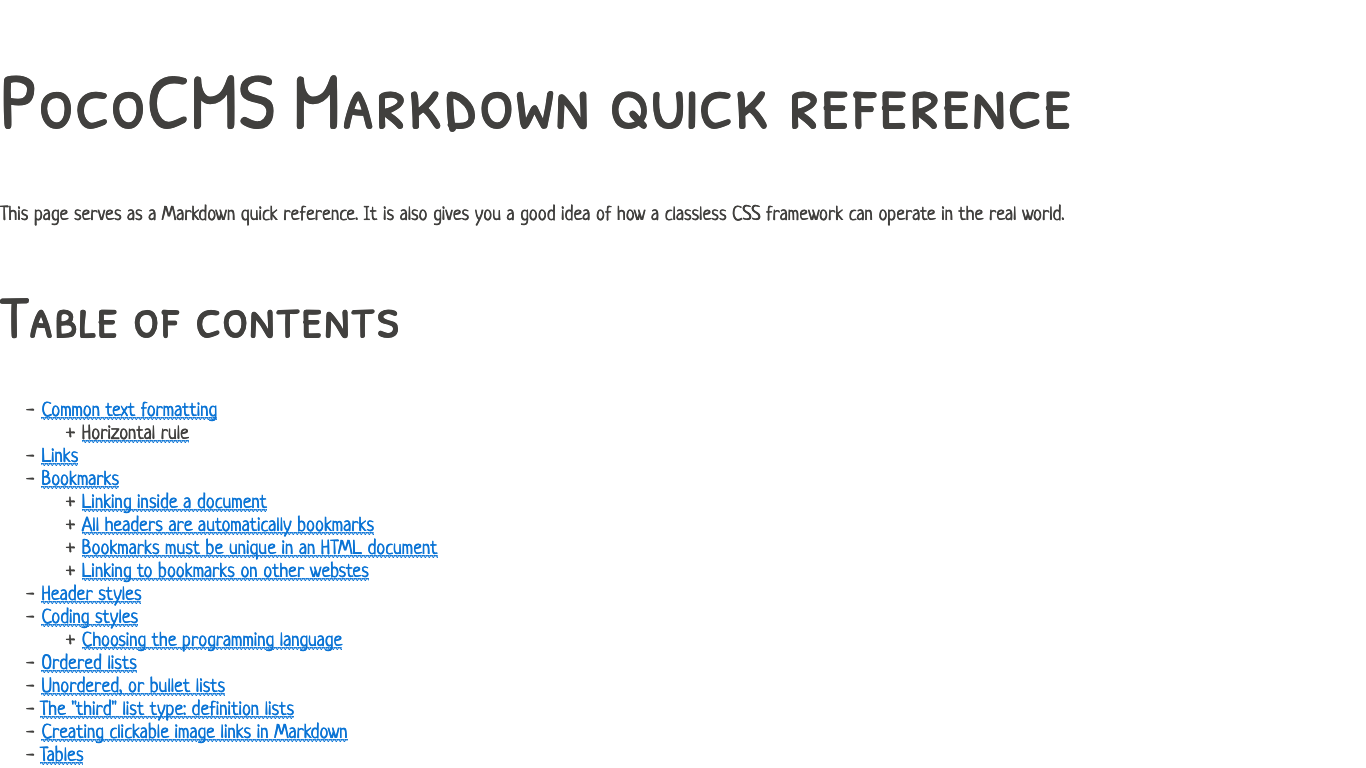
This one was so fun, and in fact so useful, we used it as the basis of the framework theme called Paper.
These themes are limited
You could build a whole site based on these simple themes, but you'd lose features like headers, footer, navs, and asides. You'd probably also lose dark mode support and media queries. Next let's take a look at building a theme with the PocoCMS theme framework.